Azure Web App vs Azure Container App
 By Vedant Sonani
November 13, 2026
7 min read
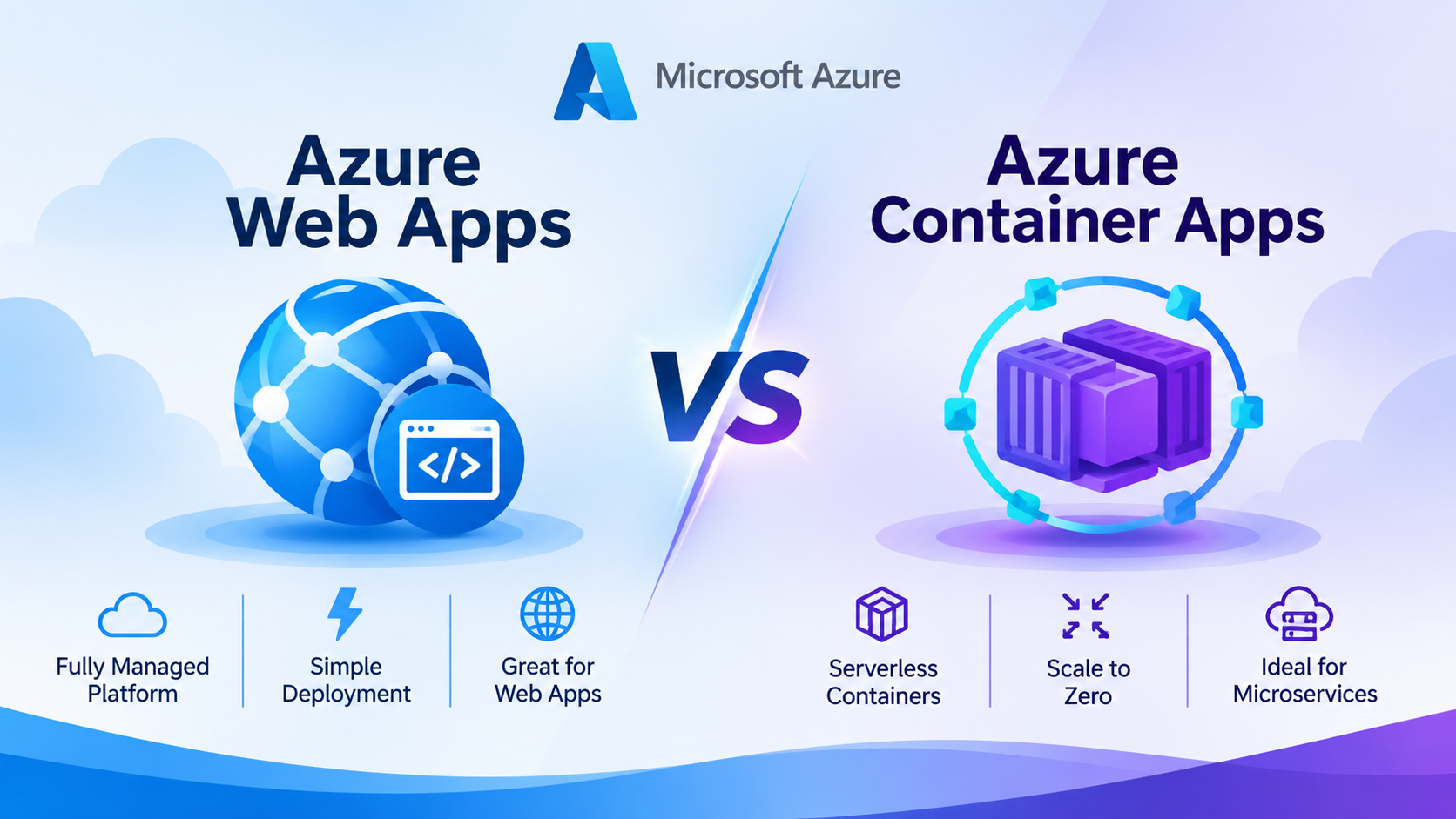
Two great ways to run your code on Azure, and how to pick the right one.
If you are building something on Azure today, there is a good chance you will end up choosing between Azure App Service (Web App) and Azure Container Apps (ACA). Both are fully managed, both can run containers, and both can host an API or a website. That overlap is exactly why the decision feels harder than it should.
The short version: App Service is optimized for web applications, while Container Apps is optimized for containerized, microservice and event-driven workloads. This post breaks down what each service is, the real pros and cons, and the use cases where each one shines.
Two Ways to Run Your Code on Azure
Azure App Service (Web App)
Azure App Service is a fully managed platform for hosting websites and web APIs. You can deploy code directly (.NET, Java, Node.js, Python, PHP) or bring a custom container, and Azure handles the OS, patching, load balancing and scaling for you.
- Runs on both Windows and Linux
- Apps run inside an App Service Plan, which defines the compute (CPU, memory, pricing tier) shared by all apps in the plan
- Built-in features: deployment slots, custom domains, managed TLS certificates, authentication, autoscale, and CI/CD integration
- Tiers range from Free/Basic for dev and test to Premium and App Service Environment (ASE) for isolated, high-scale enterprise needs
Azure Container Apps
Azure Container Apps is a serverless container platform built on top of Kubernetes. Microsoft manages the entire Kubernetes layer, so you get the benefits of orchestration without touching clusters, node pools or YAML manifests.
- Every workload is a container image (Linux), pulled from a registry such as Azure Container Registry
- Apps live inside a Container Apps Environment, which provides shared networking, logging and service discovery
- Built-in support for KEDA (event-driven autoscaling), Dapr (microservice building blocks), revisions and traffic splitting
- Two main plan types: Consumption (pay per use, scale to zero) and Dedicated workload profiles (reserved compute, including GPU options)
- Also supports jobs for scheduled or one-off container tasks
Pros and Cons
Azure App Service
Pros
- Simplest path to production: push code and go, with no Dockerfile required
- Flexible deployment: code or container, on the same plan
- Windows support: run .NET Framework and Windows containers, which Container Apps cannot
- Mature web features: deployment slots for zero-downtime swaps, built-in authentication, custom domains and certificates
- Predictable pricing: you pay for the plan, which makes budgeting easy
- Multiple apps per plan: several apps can share the same compute to reduce cost
Cons
- No scale to zero: the plan bills continuously, even when traffic is idle
- Coarse scaling: scaling happens at the plan level, not per workload, and is mainly metric-based
- Limited microservice tooling: no native Dapr, service discovery or revision-based traffic splitting
- Web-focused: not designed for queue workers, event-driven processing or heavy background jobs
- Higher baseline cost for small or spiky workloads
Azure Container Apps
Pros
- Scale to zero: pay nothing for compute when no one is using the app (Consumption plan)
- Event-driven scaling: scale on HTTP traffic, queue length, Kafka lag, cron schedules and more through KEDA
- Microservices-ready: built-in Dapr, internal service discovery, and independent scaling per service
- Revisions and traffic splitting: blue-green and canary releases are first-class features
- Jobs and sidecars: run batch tasks, init containers and sidecar patterns easily
- Modern workloads: GPU-enabled workload profiles and dynamic sessions for sandboxed code execution make it a strong fit for AI/LLM scenarios
- Portable: container-based apps move easily to other platforms if needed
Cons
- Containers required: your team needs Docker, a registry and an image build pipeline
- Linux only: no Windows container support
- Cold starts: scale-to-zero apps may respond slowly on the first request unless you keep a minimum replica count
- No Kubernetes API access: if you need custom operators, CRDs or deep cluster control, you need AKS
- Cost surprises: a steady, always-on API can cost more than an equivalent App Service plan
- More concepts to learn: environments, revisions, scalers, ingress and workload profiles
When to use which
When to Choose Azure App Service
- Traditional web apps and REST APIs: a monolithic ASP.NET Core, Spring Boot, Django or Express app with steady traffic
- Lift-and-shift migrations: moving legacy .NET Framework or Java apps from on-premises with minimal changes
- Windows-dependent workloads: anything that needs Windows hosting or Windows containers
- Small teams without container experience: you want to deploy code and focus on features
- Zero-downtime release needs: deployment slots make staged rollouts and instant rollbacks simple
- Predictable budgets: a fixed monthly plan is easier to forecast than usage-based billing
When to Choose Azure Container Apps
- Microservices architectures: several services that call each other and scale independently
- Event-driven processing: queue consumers, stream processors and background workers that scale with load
- Spiky or unpredictable traffic: internal tools, APIs and prototypes that sit idle most of the time
- Scheduled and batch jobs: data processing, cron-style tasks and one-off runs through Container Apps jobs
- AI and agent workloads: model-serving APIs, agent backends, MCP servers, and sandboxed execution of untrusted or LLM-generated code with dynamic sessions
- Container-first teams: CI/CD pipelines already build and ship Docker images
- New greenfield projects: Microsoft’s own guidance leans toward starting with Container Apps and moving to AKS only when Kubernetes-specific control is required
A Simple Decision Rule
Count your deployable pieces. One web app or API with steady traffic points to App Service. Several services, workers or jobs that need independent scaling point to Container Apps. If you are unsure and your team is comfortable with containers, Container Apps is a flexible default; if your team is not, App Service gets you live faster with less to learn.
Best Practices
- Containerize either way: a Docker image keeps your options open, since App Service can run containers too
- Set a minimum replica count on Container Apps for latency-sensitive APIs to avoid cold starts
- Enable Always On and health checks in App Service to keep apps warm and unhealthy instances out of rotation
- Use managed identity instead of connection strings or secrets on both platforms
- Monitor cost early: compare real usage against plan pricing after a few weeks, because the cheaper option depends on your traffic pattern
- Check current pricing and limits in the Azure docs before committing, as plans and features change frequently
Conclusion
Azure App Service and Azure Container Apps are not rivals so much as tools for different shapes of work. App Service is the straightforward, battle-tested home for web apps and APIs. Container Apps is the modern, scale-to-zero platform for microservices, event-driven systems and AI workloads.
Start from your workload, not the technology: how many services you have, how your traffic behaves, what your team already knows, and whether you need Windows. Answer those four questions honestly and the right choice is usually clear.